Welcome to Printer
Launch, trade and automate tokens across chains from one workspace.
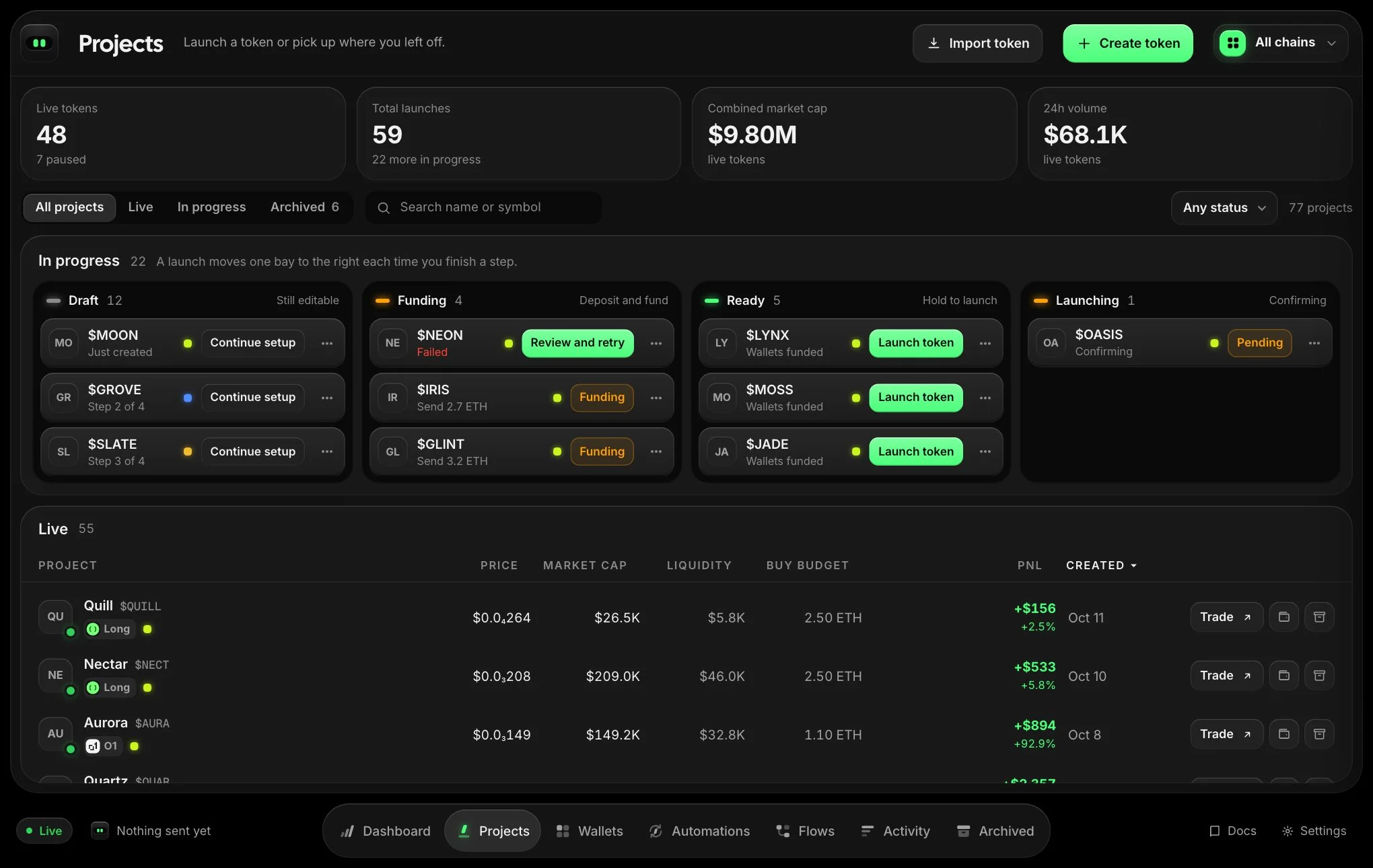
Printer is a workspace for launching tokens, running the wallets behind them, and trading and automating once they are live. Everything happens in one app: pick a chain, prepare wallets, launch or import a token, then trade and run strategies from the token’s trading page.
Start here
Prepare walletsCreate, organise, fund and age the wallets you launch and trade with.Launch a tokenPick a launchpad, describe your token and choose a launch preset.Import a tokenBring an existing token in and trade it with your wallets.AutomateCounter trading, scheduled trades, a price anchor and a volume bot.
New to Printer? The getting started checklist on the Projects page walks you through your first launch.
How it fits together
- Choose a chainThe chain selector at the top right decides which launches, wallets and prices you see. The app takes that chain’s colour.
- Prepare walletsEvery launch uses a developer wallet and a set of trade wallets. Generate fresh ones, reuse a folder, or buy aged wallets.
- Launch or importCreate a draft, fund it, and launch. Or import a token that already trades.
- Trade and automateOpen the token to buy, sell, watch your position and run strategies.