Templates
Save strategies and start them automatically after a launch.
Templates save counter trading, scheduled-trade or volume bot settings so you can attach them to a project before it launches and not miss its first minutes of trading.
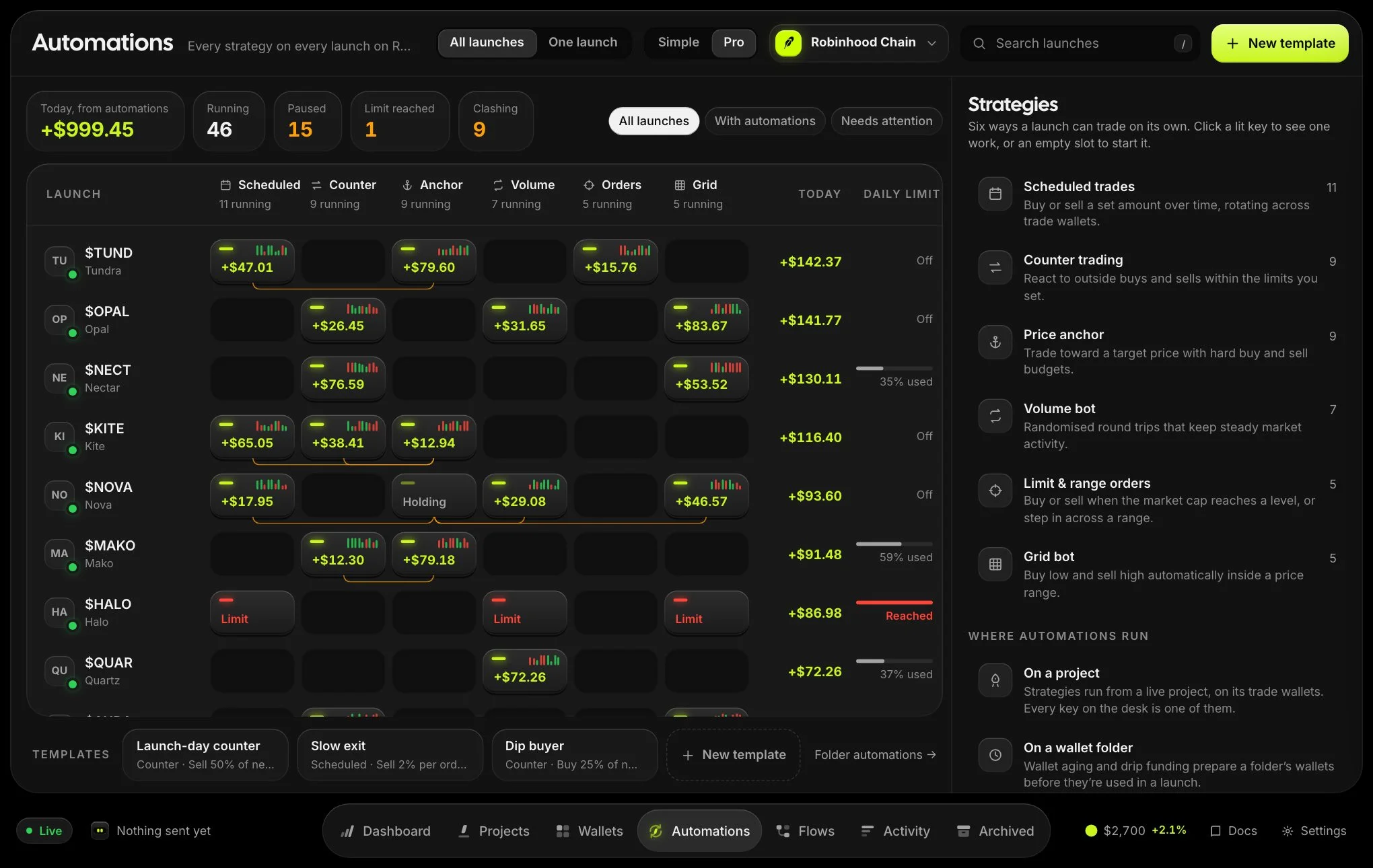
- Create a templateOn the Automations page choose New template, name it and set it up.
- Attach it to a projectOn a draft or launching project, choose Start after launch.
- It starts automaticallyWhen the launch confirms, the strategy starts on that project’s trade wallets. For a pump.fun launch on Solana it starts the moment the token distribution to the trade wallets finishes.