Automations overview
Stack strategies on a token and avoid ones that work against each other.
Strategies trade for you on a token’s trade wallets. They run side by side, so you can stack them: for example scheduled sells plus counter trading.
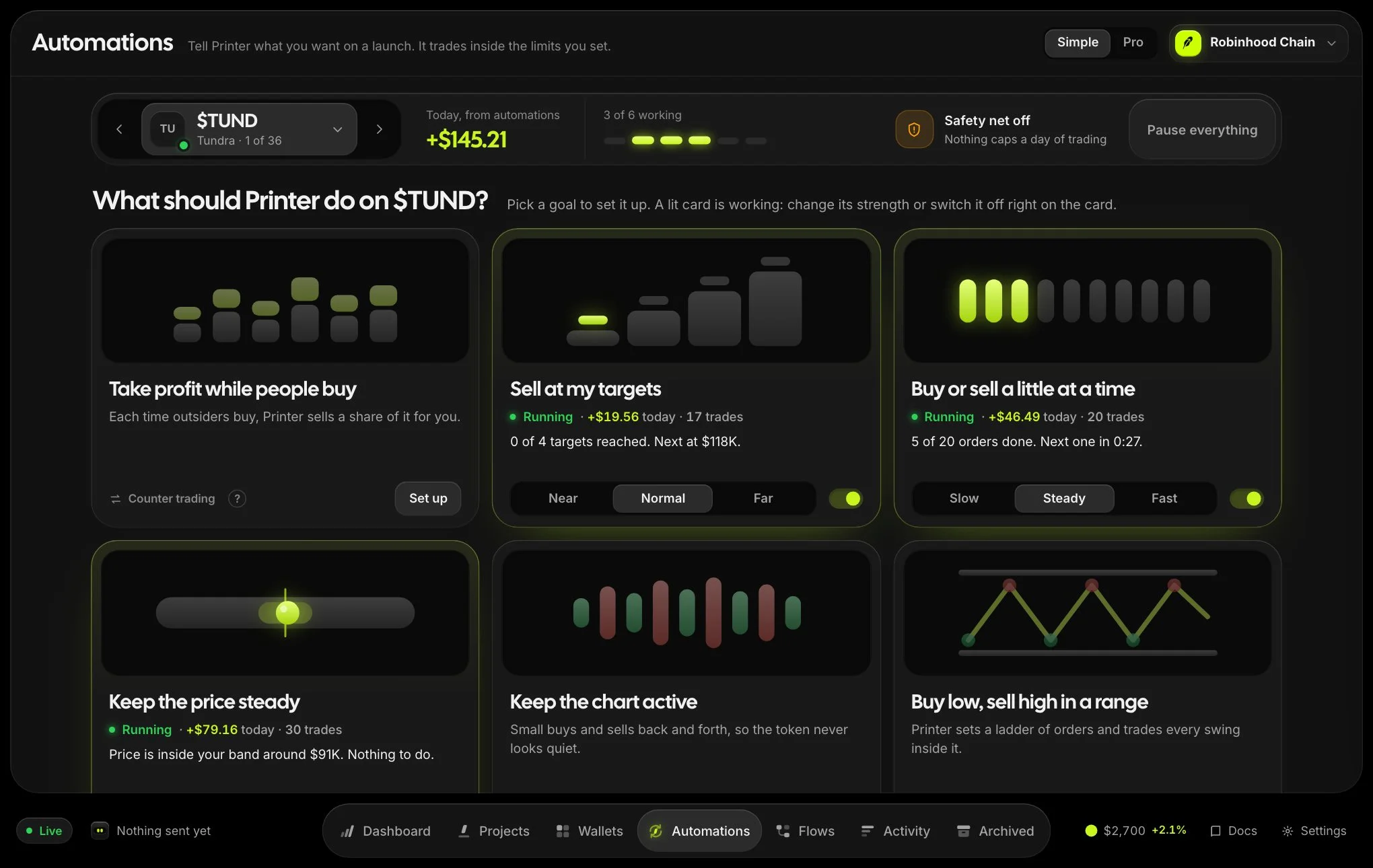
| Strategy | Use it to |
|---|---|
| Counter trading | Answer outside buying or selling automatically. |
| Scheduled trades | Buy or sell a set amount over time. |
| Price anchor | Hold the price near a target within hard budgets. |
| Volume bot | Keep steady, randomised market activity. |
| Limit & range orders | Buy or sell when the market cap reaches a level, or step across a range. |
| Grid bot | Buy low and sell high automatically inside a range. |
| Flows | Draw your own automation from blocks, from launch to exit. |
Every strategy has a History button with the trades it placed and its realized P&L, and new strategies can be tried first with a dry run.
Add a strategy
- Open the tokenUse the Automations panel on the right, or the Automations tab under the chart.
- Choose Add strategy (or + next to a type)Pick the strategy and fill in its form.
- StartIt appears in the list with a switch to pause or resume it.
When strategies work against each other
Printer warns you when running strategies may cancel each other out, for example scheduled buys and sells at the same time, or a price anchor undoing your scheduled trades. Nothing is blocked. The warning is there so it is a deliberate choice.
On Solana
Counter trading, scheduled trades, price anchor, volume bot, limit and range orders and grid bots run on Solana tokens too, one trade wallet at a time. Flows, wallet aging, gradual funding and the FINAL wallet move are not available on Solana yet.